Goodbye clutter. Hello clarity.

Goodbye clutter. Hello clarity.

All notifications are collected in one feed. Users see what’s new and what needs action.

Synced Cross Platform

Synced Cross Platform

Open it on mobile and it’s read on the web. Everything stays in sync with no confusion.

Native to your app

Native to your app

Keep notifications inside your product so users have the context to take action.

Keep notifications inside your product so users have the context to take action.

In-app notifications. Drop-in and go!
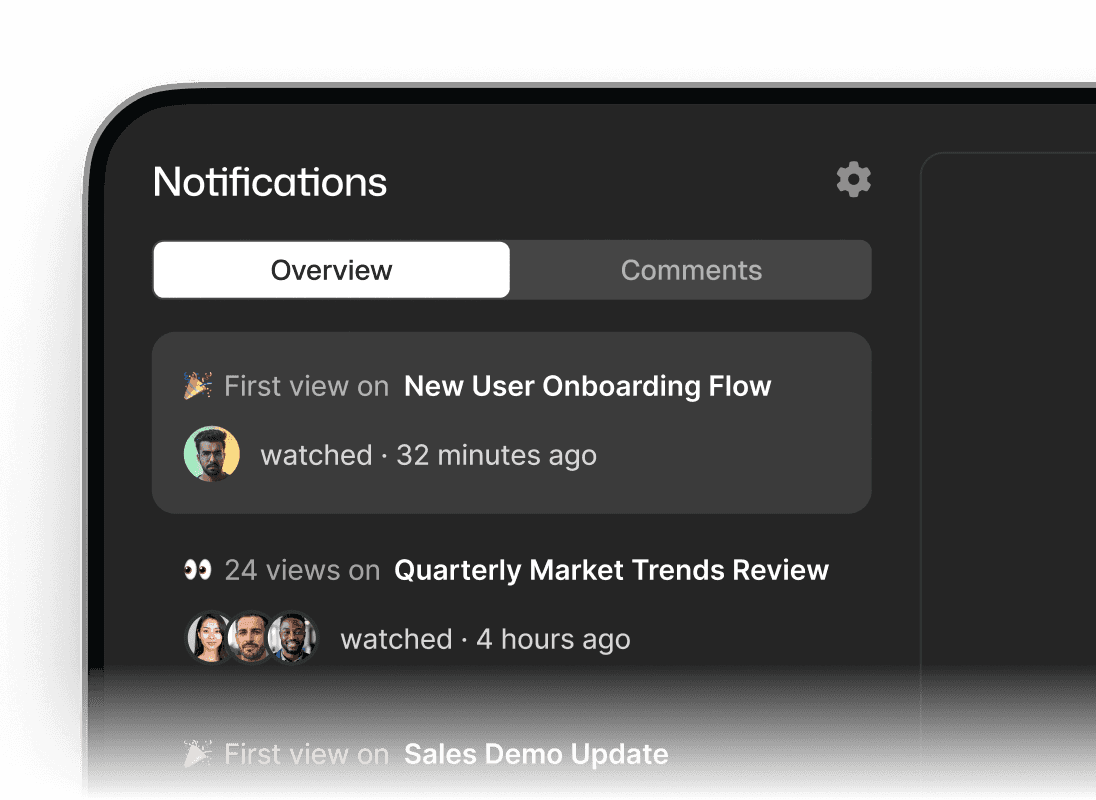
Notifications panel with Overview and Comments tabs, showing first-view and view-count activity

Web

Web

Bring notifications front and center using Courier. With toast alerts and a persistent inbox, users never miss updates or lose context. Easily drop them in with React and JavaScript.
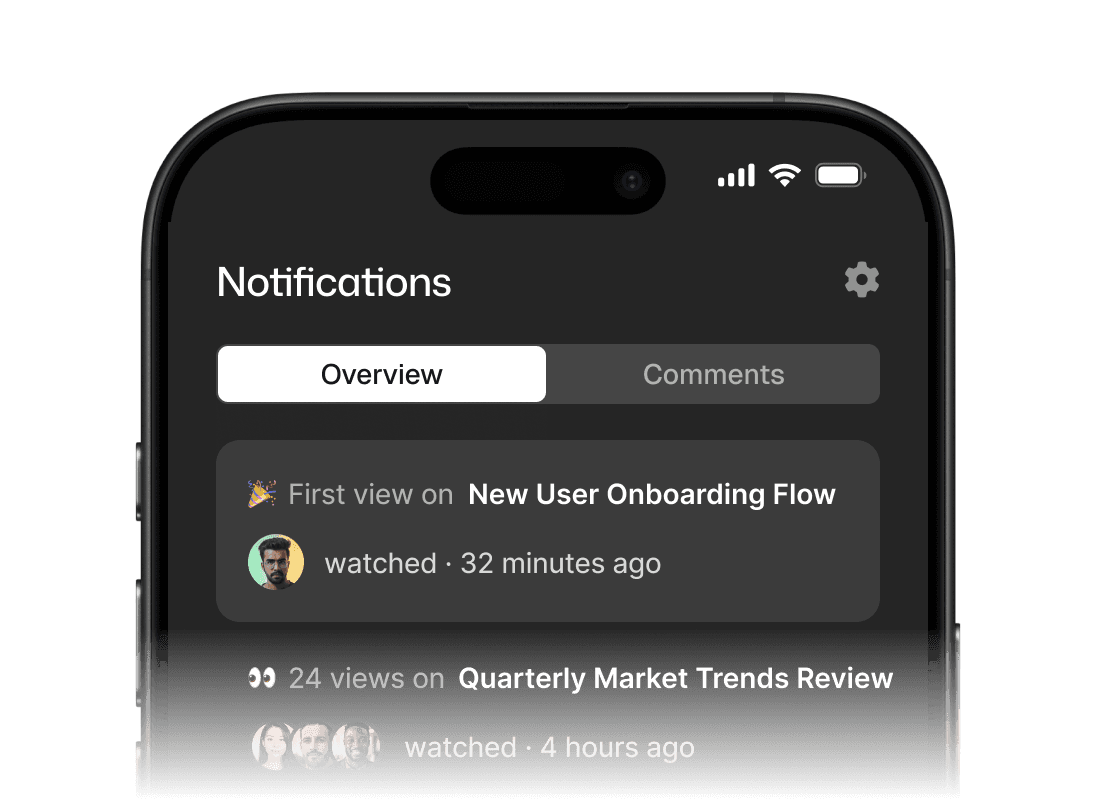
Notifications panel on a phone with Overview and Comments tabs, showing first-view and view-count activity

Mobile

Mobile

Embed a fully featured notification center in your app with SDKs for iOS, Android, Flutter, and React Native. Add push notifications for instant alerts and a unified notification experience.

The inbox your app is missing

The inbox your app is missing

The inbox your app is missing

Go beyond push with an inbox built for iOS and Android, so that users always get the message.

Go beyond push with an inbox built for iOS and Android, so that users always get the message.

Works everywhere
Works everywhere

React Native, Flutter, iOS (Swift), and Android (Kotlin) SDKs make setup a breeze. Native features like dark mode and deep linking work automatically.

Paired with push
Paired with push

Use push notifications to bring users back, then let Inbox show the full message details inside your app with one tap.

Synced state
Synced state

Read it on mobile, and it's marked read on web. All message states stay aligned across devices, even when users go offline.

Fully Customizable
Fully Customizable

Easily control the look and feel with full theming—from branding to layout—so it blends seamlessly into your app.
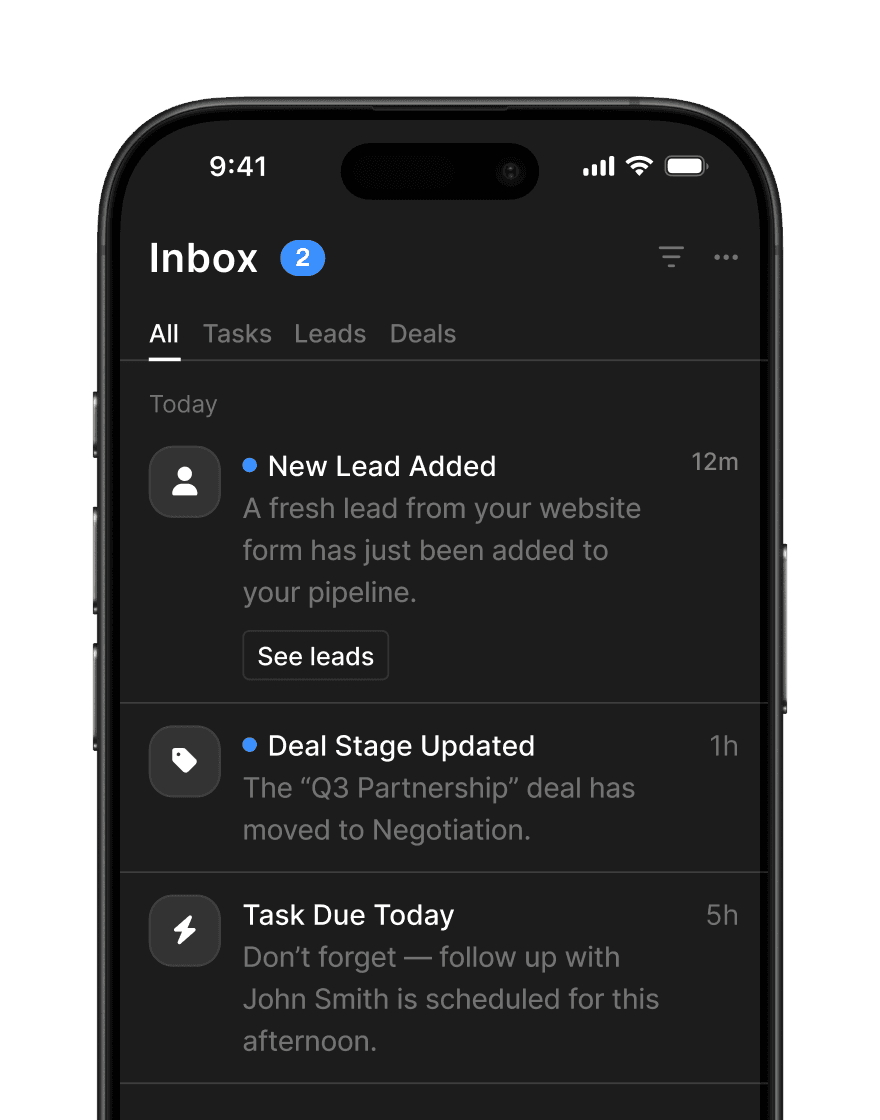
Courier Inbox on a phone, showing New Lead Added and Deal Stage Updated notifications
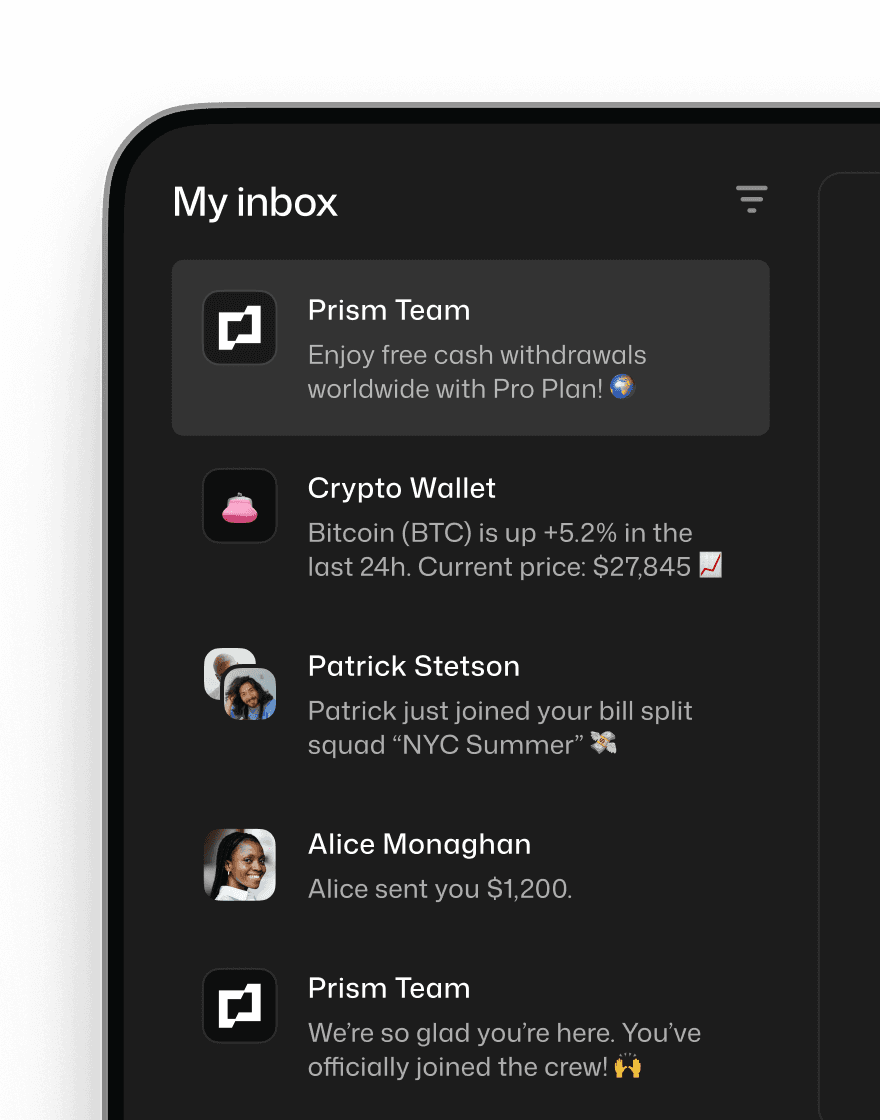
Courier Inbox on a phone, showing notifications from Prism Team, Crypto Wallet, and others

Built for better web notifications

Built for better web notifications

Built for better web notifications

Turn notifications into a real inbox that keeps every message visible and organized. Keep users informed, not distracted.

Works everywhere
Works everywhere

Drop in with React components and a JavaScript SDK. Add Inbox to your app in minutes.

Smart filtering

Built-in read and archive views make it simple for users to organize notifications their way.

Real-time delivery
Real-time delivery

WebSockets deliver in real time, giving users toast alerts the moment a new message arrives.

Fully Customizable
Fully Customizable

You control every detail—from styling to popup behavior—so Inbox looks at home in your app.

In-App Notifications Evolved with Courier Inbox

In-App Notifications Evolved with Courier Inbox

We’ve built everything you need for in-app notifications so you don’t have to.

We’ve built everything you need for in-app notifications so you don’t have to.

Message tags

Message tags

Organize and filter messages using custom tags set via metadata in the Send API.

Filtered views

Filtered views

Create read/unread, archived, preferences, and custom tag-based views for message organization.

Web notifications

Web notifications

A separate toast component shows brief alerts that disappear while messages persist in the inbox.

Message states

Message states

Full read, unread, and archived functionality with real-time tracking and badge counts.

Built-in preferences

Built-in preferences

Users can control notification settings directly within the inbox interface.

Push coordination

Push coordination

Send to both inbox and push channels so users get immediate alerts plus persistent messages.

We chose Courier because the depth of the inbox and multi-channel integrations allowed us to choose one notification platform for all products and teams at Twilio.


Raghav Katyal — Technical Lead, Twilio

Raghav Katyal — Technical Lead, Twilio

  • Photoroom

Frequently Asked Questions

What is Courier Inbox and how does it work?

Courier Inbox is the notification center behind the bell icon in your web or mobile app, and Courier hosts the backend. You send to the inbox channel with the same API call you’d use for email, and the notification shows up in real time. Read and archive state stays in sync on every device the user is signed in on. SDKs cover React, Vue, Angular, Web Components, iOS, Android, Flutter, and React Native.

Can my AI coding agent add Courier Inbox to my app?

Yes. Install Courier Skills in Claude Code, Cursor, Codex, or another coding agent, then ask it to add a notification center. It builds Courier Inbox with JWT auth and real-time updates on the current SDKs, for React, Web Components, React Native, iOS, Android, or Flutter. Connect Courier’s MCP server too, and the agent can send a test notification to check the whole flow.

How do I keep each user’s Inbox secure?

Courier’s client SDKs sign users in with a JWT. Your backend mints a short-lived token for one user with Courier’s Issue Token endpoint, and your app passes it to signIn, so your API key never reaches the browser or device. Mint a fresh token before the old one expires. That one sign-in covers Inbox, toasts, the preference center, and mobile push tokens.

How can I customize the appearance and branding of my Inbox?

Theme Courier’s prebuilt Inbox with your colors, fonts, and spacing for light and dark mode, and pick which header and message actions show. On the web SDKs, swap in your own components for the header, list items, and empty or loading states. On any platform, mobile included, you can build a fully custom UI on the SDK’s messages and actions and still get real-time sync.

How do real-time updates and unread counts work in the Inbox?

When a user signs in, Courier Inbox opens a real-time connection, so new notifications appear live and the unread count updates as they arrive. Read, opened, and archived states sync across every device the user is signed in on. With open tracking on, opening an email from the same template marks the Inbox copy as read. On the web, split the Inbox into tabs by read state, archive state, or tag.

Can I send the same notification to the Inbox and to email or push?

Yes. In Courier, Inbox is a channel like email or push, so one send can reach all of them. Pair Inbox with email for a web app, or Inbox with push for mobile, so the alert reaches people outside your app and the full notification is waiting when they come back. Save the setup as a routing strategy to reuse it across templates, and each user’s preferences apply on top.