High-context notifications

Keep users focused by sending updates straight to Slack or Teams. No context switching required.

Tailored to users

Let users manage how they’re notified with opt-ins, opt-outs, and per-topic preferences.

Context-aware delivery

Deliver the right message in the right place. DM, channel, or email fallback. Routing is handled automatically from one platform.

Deliver the right message in the right place. DM, channel, or email fallback. Routing is handled automatically from one platform.

Enterprise-ready notifications for Slack and Teams

Slack sign-in screen asking to continue to Courier
Flexible authentication

Connect via OAuth for full workspace access or use incoming webhooks for specific channels. Manage tokens for multiple Slack and Teams workspaces through Courier tenants.

Connect via OAuth for full workspace access or use incoming webhooks for specific channels. Manage tokens for multiple Slack and Teams workspaces through Courier tenants.

Slack thread with a Courier notification congratulating a user on finishing an assessment
Threads and conversations

Reply directly to existing Slack threads or continue Teams conversations to keep discussions organized without creating new message chains.

Reply directly to existing Slack threads or continue Teams conversations to keep discussions organized without creating new message chains.

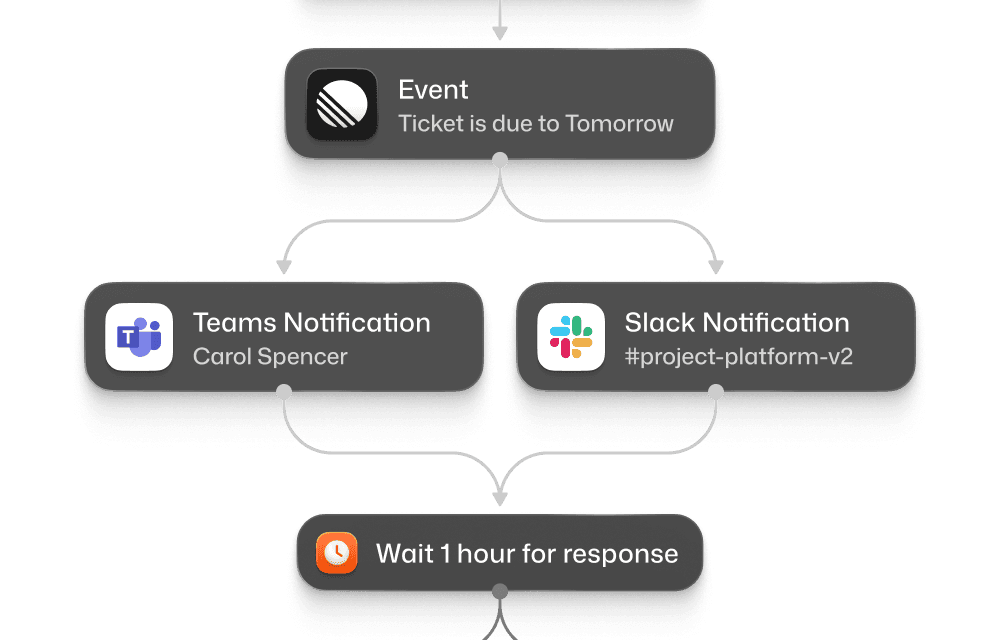
Journey: event ticket due tomorrow sends Teams and Slack notifications, then waits 1 hour for a response
Multi-workspace management

Connect unlimited Slack workspaces and Teams tenants in one place. Route customer notifications to their workspace, internal alerts to yours - all with isolated credentials.

Connect unlimited Slack workspaces and Teams tenants in one place. Route customer notifications to their workspace, internal alerts to yours - all with isolated credentials.

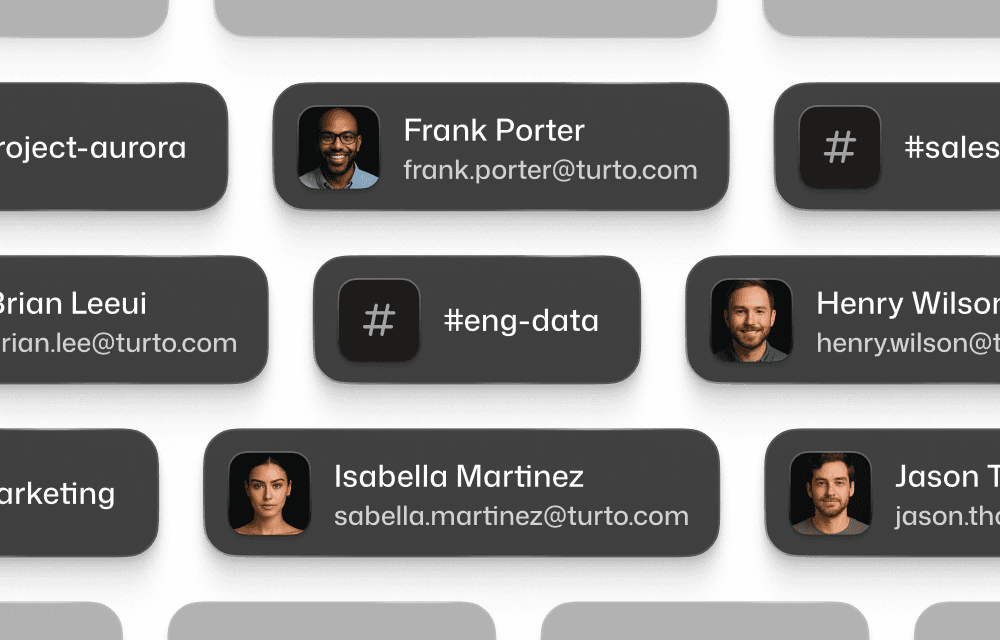
Slack channels and people, such as #eng-data and Frank Porter, shown as notification recipients
Flexible user targeting

Route to channels, DMs, or users through unified profiles. Use emails, channel names, or platform IDs. Courier handles the resolution and routing.

Route to channels, DMs, or users through unified profiles. Use emails, channel names, or platform IDs. Courier handles the resolution and routing.

Cut through the noise
with Slack & Teams

Cut through the noise with Slack & Teams

Cut through the noise with Slack & Teams

Send alerts that are always relevant, visible, and actionable.

Send alerts that are always relevant, visible, and actionable.

Perfect delivery
Perfect delivery

Send targeted messages that fit each workflow with trigger-based, personalized notifications.

Escalation rules
Escalation rules

Route urgent notifications with @mentions, priority channels, and multi-step escalation workflows.

Interactive workflows

Send buttons and rich layouts directly inside Slack and Teams, and update Slack messages in place.

Multichannel coordination

Combine chat with email, SMS, in-app, or push so critical alerts are always delivered. 
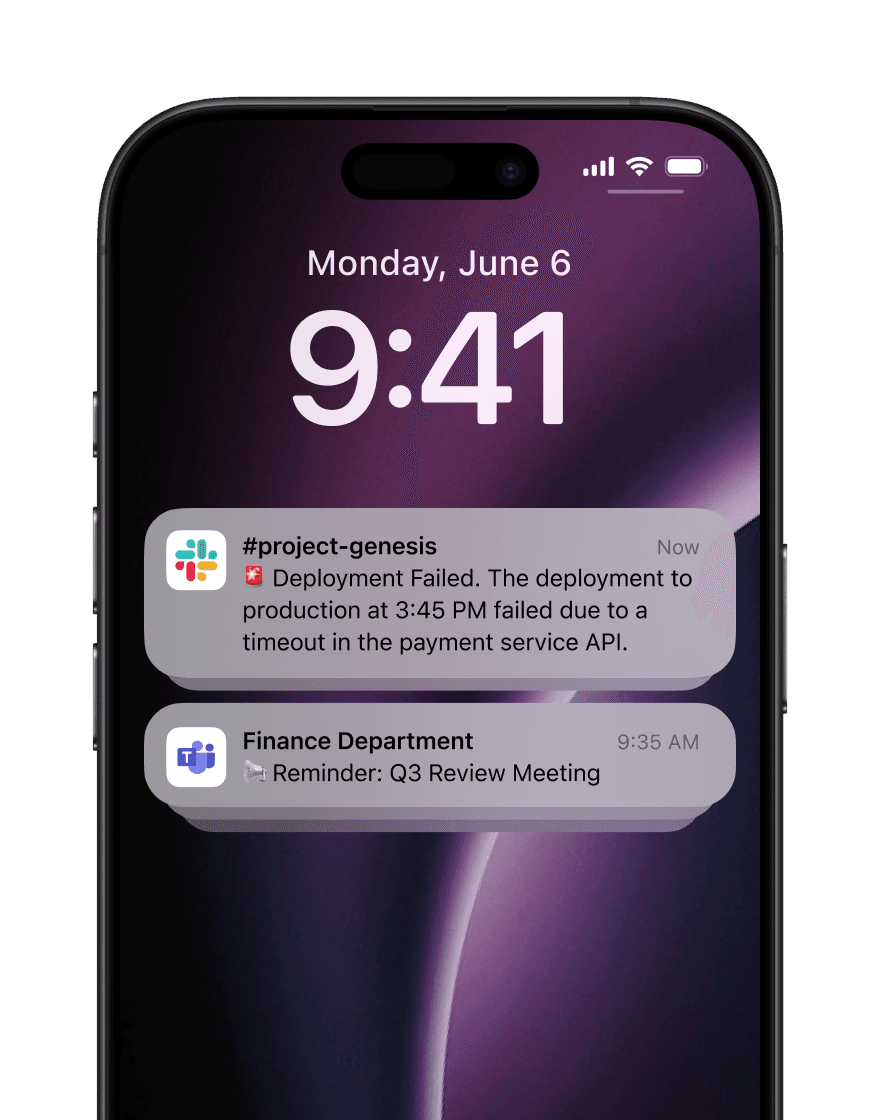
Phone lock screen with a Slack deployment failure alert and a Finance Department reminder

Slack and Teams on Easy Mode

Courier manages platform differences and delivers one consistent experience for your users and your developers.

One template

One template

Render messages in Slack and Teams using their native UI components from a single Courier template.

Workspace routing

Workspace routing

Manage multiple Slack workspaces and Teams tenants in one place with context-aware message targeting.

Engagement metrics

Engagement metrics

See delivery status for every Slack and Teams message, and get each update through one outbound webhook.

Threading

Threading

Reply in the same Slack or Teams thread, or update a Slack message in place, using the IDs Courier records on each send.

Routing rules

Routing rules

Send alerts to the right channel based on urgency, the data you send, or each user’s preferences.

Multi-channel coordination

Multi-channel coordination

Automatically route messages across multiple channels for the right time, right channel for each user.


Courier has probably saved us more pain (and time!) than any other single platform that we use. The product is getting better all the time and the team is incredible!

Courier has probably saved us more pain (and time!) than any other single platform that we use. The product is getting better all the time and the team is incredible!

Courier has probably saved us more pain (and time!) than any other single platform that we use. The product is getting better all the time and the team is incredible!

Courier has probably saved us more pain (and time!) than any other single platform that we use. The product is getting better all the time and the team is incredible!

Neal Jean — CEO, Beacons

Neal Jean — CEO, Beacons

Neal Jean — CEO, Beacons

  • Photoroom

Frequently Asked Questions

How do I connect Courier to Slack and Microsoft Teams?

For Slack, create a Slack app, install it to the workspace, and give Courier its bot token plus a channel ID, user ID, or email to send to, or use a Slack incoming webhook for a single channel. For Microsoft Teams, register a bot through Azure and the Teams Developer Portal, then send to users and channels by ID, email, or channel name. Sending into your customers’ workspaces? Store each customer’s Slack token or Teams details on their tenant.

Can I send rich messages with buttons to Slack and Teams?

Yes. Courier’s Design Studio has Slack and Microsoft Teams tabs next to email and push, so you design every channel in one template, and its buttons render as native Slack buttons. For full control, send Slack Block Kit JSON, or use a Jsonnet block in Design Studio to build Block Kit layouts and Teams Adaptive Cards. Template variables personalize every message.

How do I route between Slack, Teams, and email?

Courier’s routing decides which channels each notification uses. Send to Slack or Teams first and fall back to email if the chat message can’t be delivered, or send to chat and email at the same time. Add a condition to a channel so it only sends for, say, high-priority alerts, and each user’s preferences apply on top. To post in a channel and DM someone, include both as recipients in one send.

Can I choose the Slack or Teams channel or person at send time, and @mention people?

Yes. Pass the target in the send, or store it on the user’s profile: a Slack channel ID, user ID, or email, or a Teams user, channel, or conversation ID. Send to a Slack user by email and Courier delivers the DM through your bot, and Courier finds Teams users and channels by email or name through Microsoft Graph. To mention someone in Slack, put <@USER_ID> in your template and fill the ID from a variable.

Can I reply in a thread or update a message I already sent?

Yes. When Courier posts through your Slack or Teams bot, it records Slack’s message timestamp and channel, or Teams’ activity and conversation IDs. They come back on the message and in your webhooks, so you can post follow-ups in the same thread in Slack or a Teams channel. In Slack, you can also update the original message in place with a replacement key, for example to mark an alert resolved.

Can our AI agents post to Slack or Teams through Courier?

Yes. Your agent calls Courier’s API or MCP server with a template and a user, and Courier delivers to Slack, Teams, or whichever channel your routing picks. The agent decides who to tell and when, and templates, routing, preferences, and delivery logs work the same as for any other notification. Courier has guides for the Claude Agent SDK, the OpenAI Agents SDK, and the Vercel AI SDK.

Can our AI agents post to Slack or Teams through Courier?

Yes. When Courier posts through your Slack or Teams bot, it records Slack’s message timestamp and channel, or Teams’ activity and conversation IDs. They come back on the message and in your webhooks, so you can post follow-ups in the same thread in Slack or a Teams channel. In Slack, you can also update the original message in place with a replacement key, for example to mark an alert resolved.