Send to the right channel for the job. Courier unifies push, SMS, and in-app messaging in one API
Trigger the right message on the right channel, using real-time user data and conditional logic.
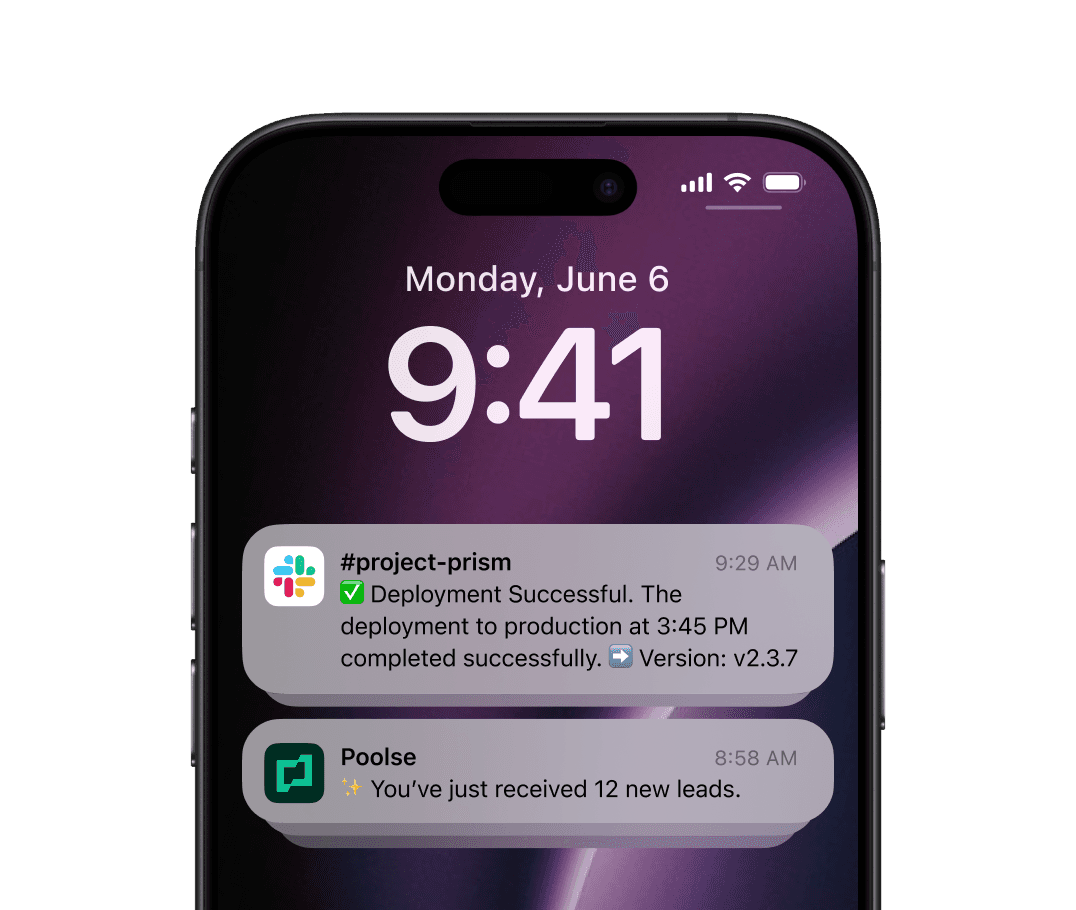
Push to users on any device. Send push notifications to iOS and Android users from a single platform. Courier handles token management automatically and lets you send through APNS and FCM using a single, simple API.
Handles device registration and token refresh across iOS and Android automatically
Unified API for APNS and FCM delivery without managing each service separately
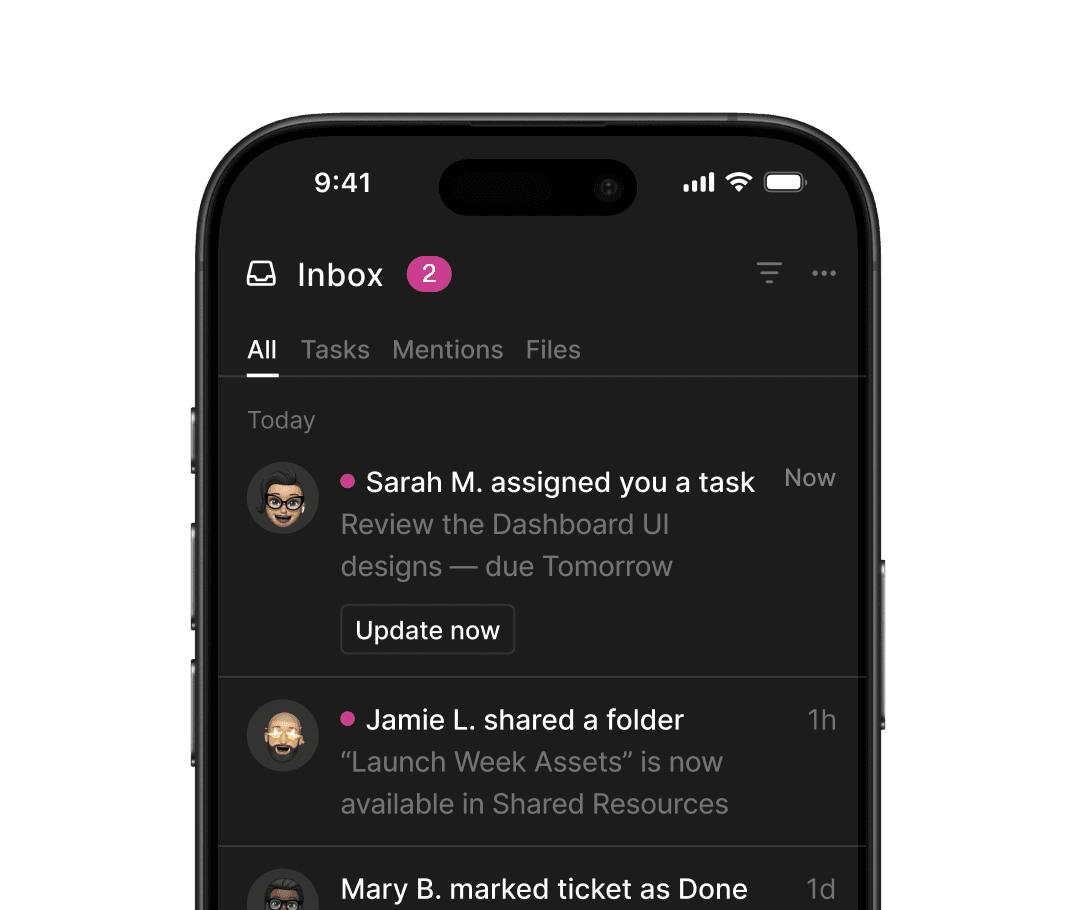
A notification center, built for your app. Give users a single place to view and manage every message, fully embedded and customizable inside your app.
Quickly drop in a fully brandable inbox with SDKs for iOS, Flutter, React Native, and Android.
Give users the full inbox experience with read states, filtering, and message actions.
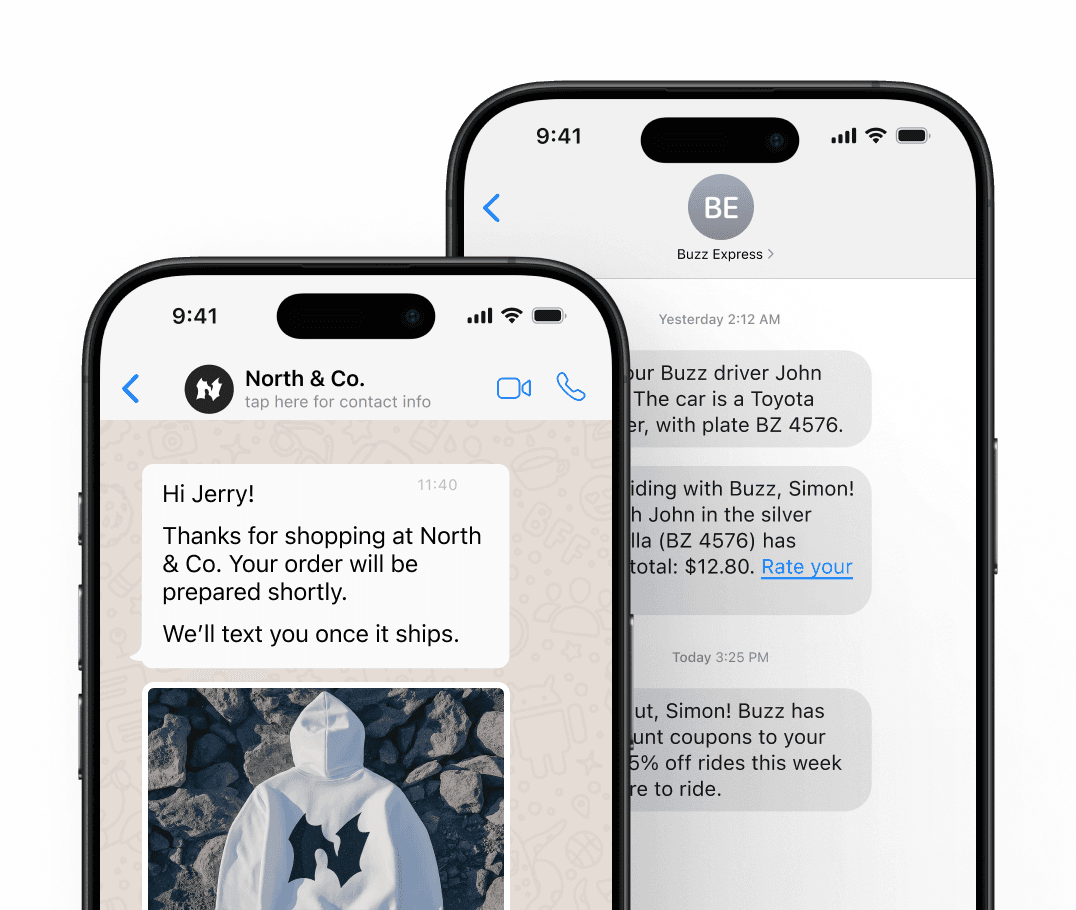
When urgency matters, step up to SMS or WhatsApp. Escalate important messages instantly, with reliable delivery across the globe and no complex configuration.
Courier automatically retries and reroutes failed messages to ensure they get delivered
Reuse templates across email, push, and SMS to keep every message consistent.
Plug in any provider

Firebase Cloud Messaging

Apple Push Notification Service

Expo Push

Courier Inbox

Twilio SMS

MessageBird SMS

Nexmo (Vonage SMS)

Drop it in. It just works.
Quickly add real-time in-app notifications with platform-specific SDKs, giving you full control over the experience

What felt complex before — adding SMS, push, and in-app — became simple with Courier. Now we can weave notifications across every customer interaction and reach users how they prefer.


Frequently Asked Questions
How do I set up push notifications with Firebase FCM, APNs, or Expo?
Connect Firebase FCM and APNs, or Expo, on Courier’s Integrations page with your provider credentials. Add the Courier mobile SDK for iOS, Android, React Native, or Flutter, and once the user signs in, it stores their device token (with Expo, your app passes the token in with one call). Once your app is wired up, the SDK also reports deliveries and taps back to Courier. Send to the user’s ID and Courier delivers the push, and Set up mobile push walks through it end to end.
How does Courier handle device tokens when a user has several devices?
Each device a user signs in on gets its own token, stored on that user’s ID, and Courier expires dead ones. The Courier mobile SDKs register and refresh tokens for you, and signing out removes them, so a shared device stops getting the last user’s pushes. To reach someone on both an iPhone and an Android tablet in one send, set the push channel to send through every provider. You can also manage tokens from your backend with the Device Tokens API.
How do I integrate SMS providers and troubleshoot delivery issues?
Connect Twilio, Vonage, Sinch, Amazon SNS, or another SMS provider on the Integrations page, and store each user’s phone number in E.164 format, like +15551234567. When a text doesn’t arrive, open it in Courier’s logs to see the provider’s error. The usual causes are a badly formatted number, a recipient who replied STOP, a carrier filtering the message, or a country your account isn’t enabled for. SMS providers · Twilio troubleshooting
How do I add an in-app inbox to my mobile app?
Install the Courier SDK for iOS, Android, React Native, or Flutter. Your backend mints a JWT for the user, the app calls signIn, and you drop in the prebuilt Inbox view. Real-time delivery, unread counts, read and archive actions, and light and dark themes work out of the box, or you can build your own UI on the same feed. The same sign-in registers push tokens too, so push and Inbox share one setup. Authenticate users
Can I fall back from push to SMS, or send push and Inbox together?
Yes. Courier’s routing tries channels in the order you set, so a common mobile setup sends push first and SMS only if push can’t deliver, for example when the user has no device token. You can also always post to the Inbox and send push alongside it, with SMS as the backup. Save the setup as a routing strategy and every template that uses it follows along. How routing works
Every message, every channel. One platform
Stop building messaging infrastructure. Start shipping.
Multichannel Notifications Platform for developers
Products
All Systems Operational
© 2026 Courier. All rights reserved.